
You can find all Page Properties and the usable Page Headers listed below with detailed features and specifications.
This Document makes no claim to completeness or validity.
Last updated:


| Field | Specification | Info |
|---|---|---|
| Search Settings |
|
Confguration of internal search
default: defaults of App configuration will be used to determine whether page should be indexed exclude: defaults of App configuration will be used to determine whether page should be indexed include: page will be included in index |

| Field | Specification | Info |
|---|---|---|
| Search Settings |
|
Confguration of internal search
default: defaults of App configuration will be used to determine whether page should be indexed exclude: defaults of App configuration will be used to determine whether page should be indexed include: page will be included in index |

| Field | Specification | Info |
|---|---|---|
| Friendly URL | Please, give here a human readable name for the page that will be used as the last part of the page URL. The friendly URL must not start with digits and can contain lowercase letters and dashes, but no spaces. |
Example:
https://www.brita.co.uk/how-hard-is-your-water As friendly URLs are SEO relevant the BRITA performance team will gladly guide and support you in finding the right friendly URLs
|

| Field | Specification | Info |
|---|---|---|
| Canonical Link | The canonical link element helps to prevent duplicate content issues in search engine optimization by specifying the “original/main” webpage. This means, that you can add a link to the “original/main” webpage within a market website here. |
A canonical tag (rel=“canonical”) is a snippet of HTML code that defines the main version for duplicate, near-duplicate and similar pages. In other words, if you have the same or similar content available under different URLs, you can use canonical tags to specify which version is the main one and thus, should be indexed.
|
| Field | Specification | Info |
|---|---|---|
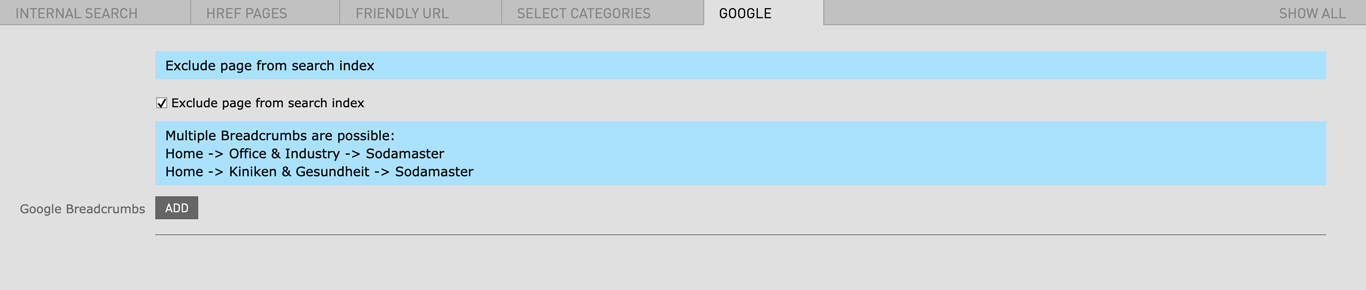
| Exclude page from search index | checkbox | When checked your page won't be listed in the (Google) Searchengine Index. |

| Field | Specification | Info | Required |
|---|---|---|---|
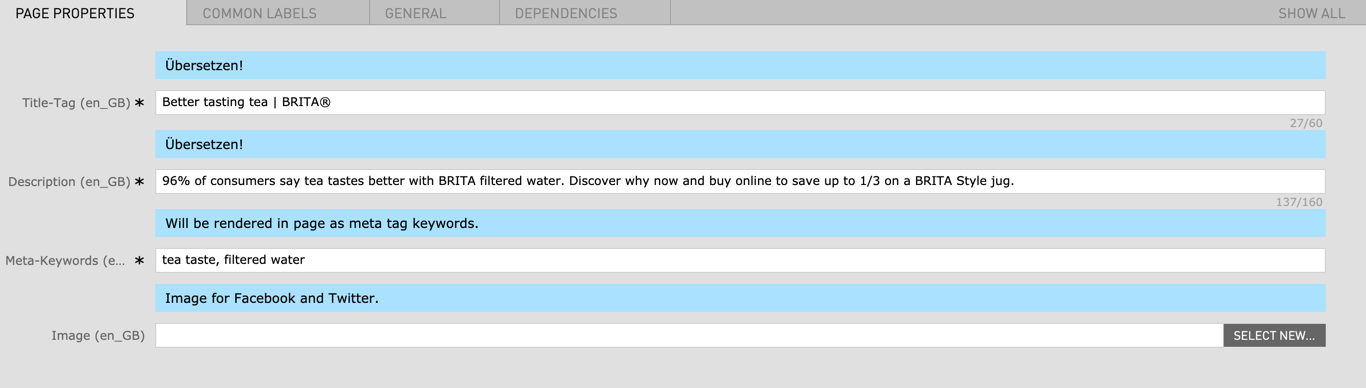
| Title-Tag | Max. 60 characters | For SEO Purposes it is recommended to use the primary keyword within the Title. | yes |
|
|
max. 160 characters | For SEO Purposes it is recommended to use the primary keyword within the short description of the page. | yes |
| Meta Keywords | max. 1-3 Keyword | Using more than 1-3 Keywords is considered to be keyword stuffing and a bad practise. keyword stuffing will have a negative impact on your search engine ranking | yes |
| Image | 1200px x 630px / Fileformat JPG, PNG | The image will be embedded into the page as Open Graph tag and is used for Social Media posts mainly for Facebook and Twitter. | no |
Recent changes in the Magnolia CMS make it possible to choose wether or not a Pageheader should be displayed on the landing page. To choose a Pageheader for a landing page you can click on the New Page Header Component menu inside your landing page editor.

Choose the Minimized Page Header from the drop down menu and click Next and the settings panel will open up.



Choose the Reference Page Header from the drop down menu and click Next and the settings panel will open up. In the Internal Link Field choose your Country Initials (for example: /UK for the UK)


