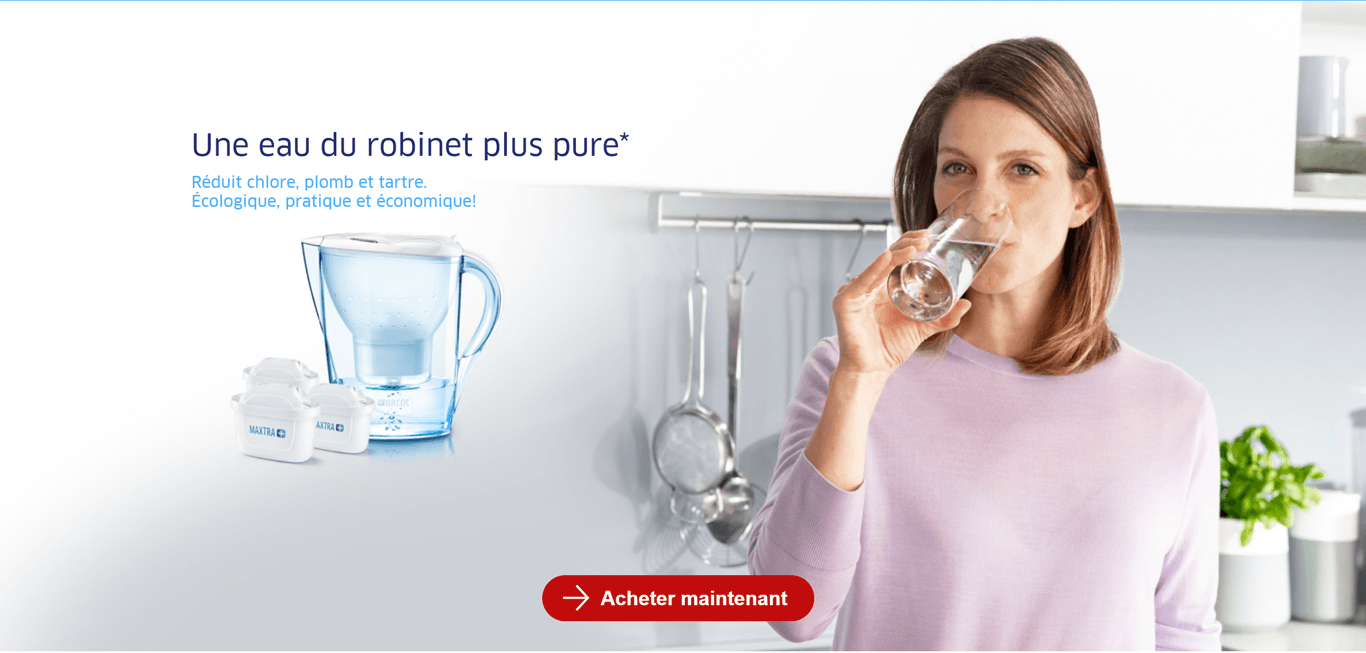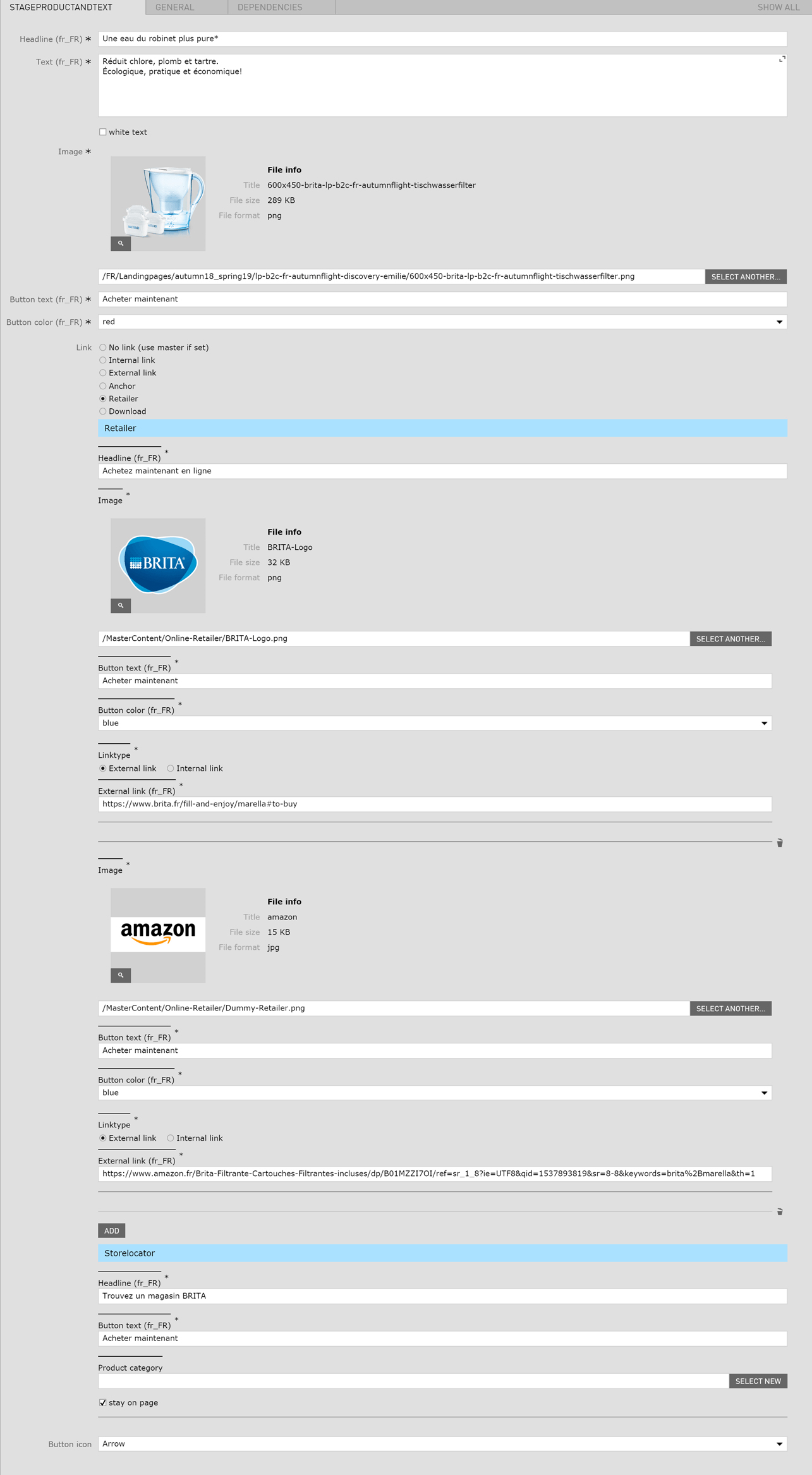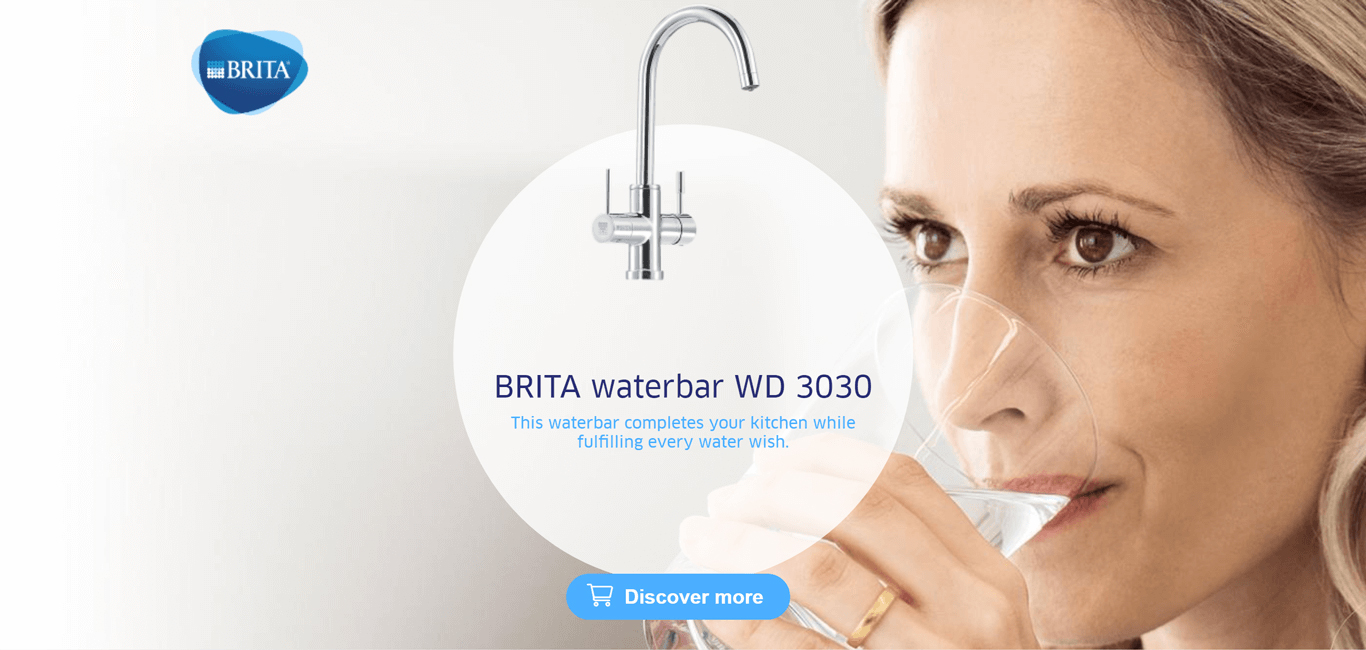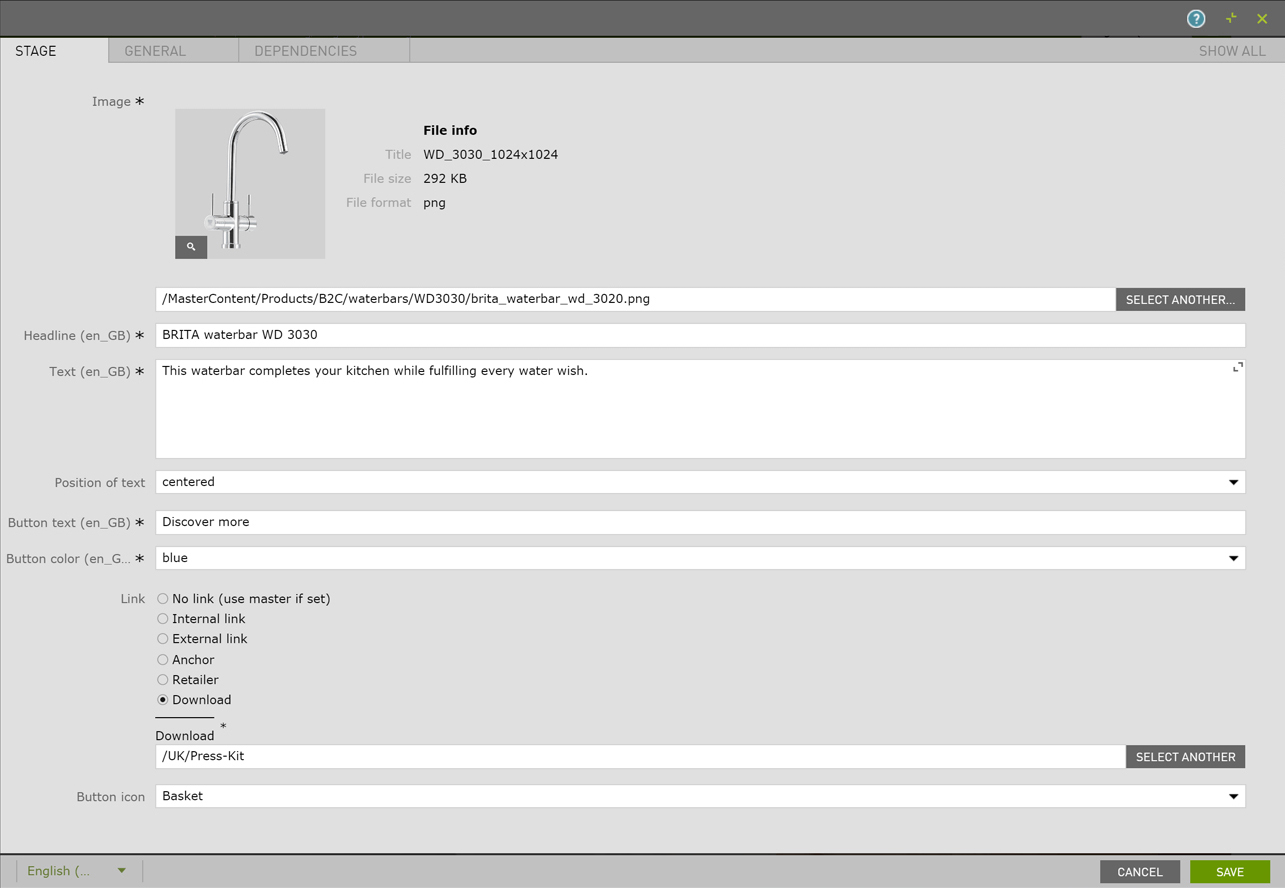
You can find all the usable Stage Modules listed below with detailed features and specifications.
This Document makes no claim to completeness or validity.
Last updated:
Open Live Example Open Live Example (Via VPN)
| Field | Specification | Info | Required |
|---|---|---|---|
| Area Headline | |||
| Headline | Max. 130 characters | For SEO Purposes it is recommended to use a long tail keyword within the heading. | no |
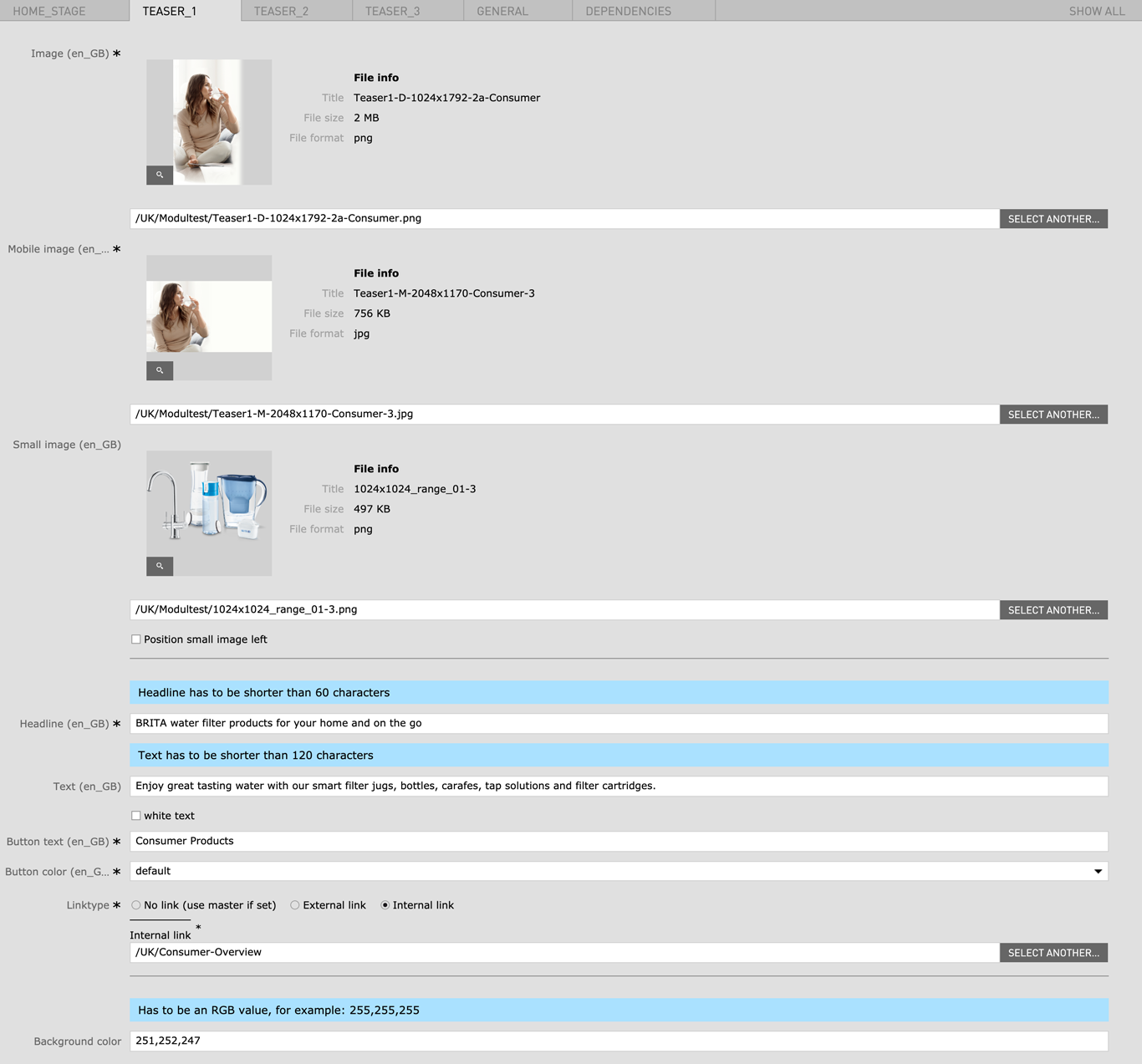
| Teaser 1 (Big) | |||
| Image | 1024px x 1792px | - | yes |
| Mobile image | 2048px x 1170px | - | yes |
| Small image | 1024px x 896px | - | no |
| Position small image left | - | - | no |
| Headline | Max. 60 characters | - | yes |
| Text | Max. 120 characters | - | no |
| White Text | - | Changes Text color to white | no |
| Button text | - | - | yes |
| Button color |
|
- | yes |
| Linktype |
|
- | yes |
| Background color |
|
Has to be an RGB value, for example: 255,255,255 | no |
| Teaser 2 | |||
| Image | 1024px x 896px | - | yes |
| Mobile image | 2048px x 1170px | - | yes |
| Small image | 1024px x 896px | - | no |
| Position small image left | - | - | no |
| Headline | Max. 60 characters | - | yes |
| Text | Max. 120 characters | - | no |
| White Text |
|
Changes Text color to white | no |
| Button text | - | - | yes |
| Button color |
|
- | yes |
| Linktype |
|
- | yes |
| Background color |
|
Has to be an RGB value, for example: 255,255,255 | no |
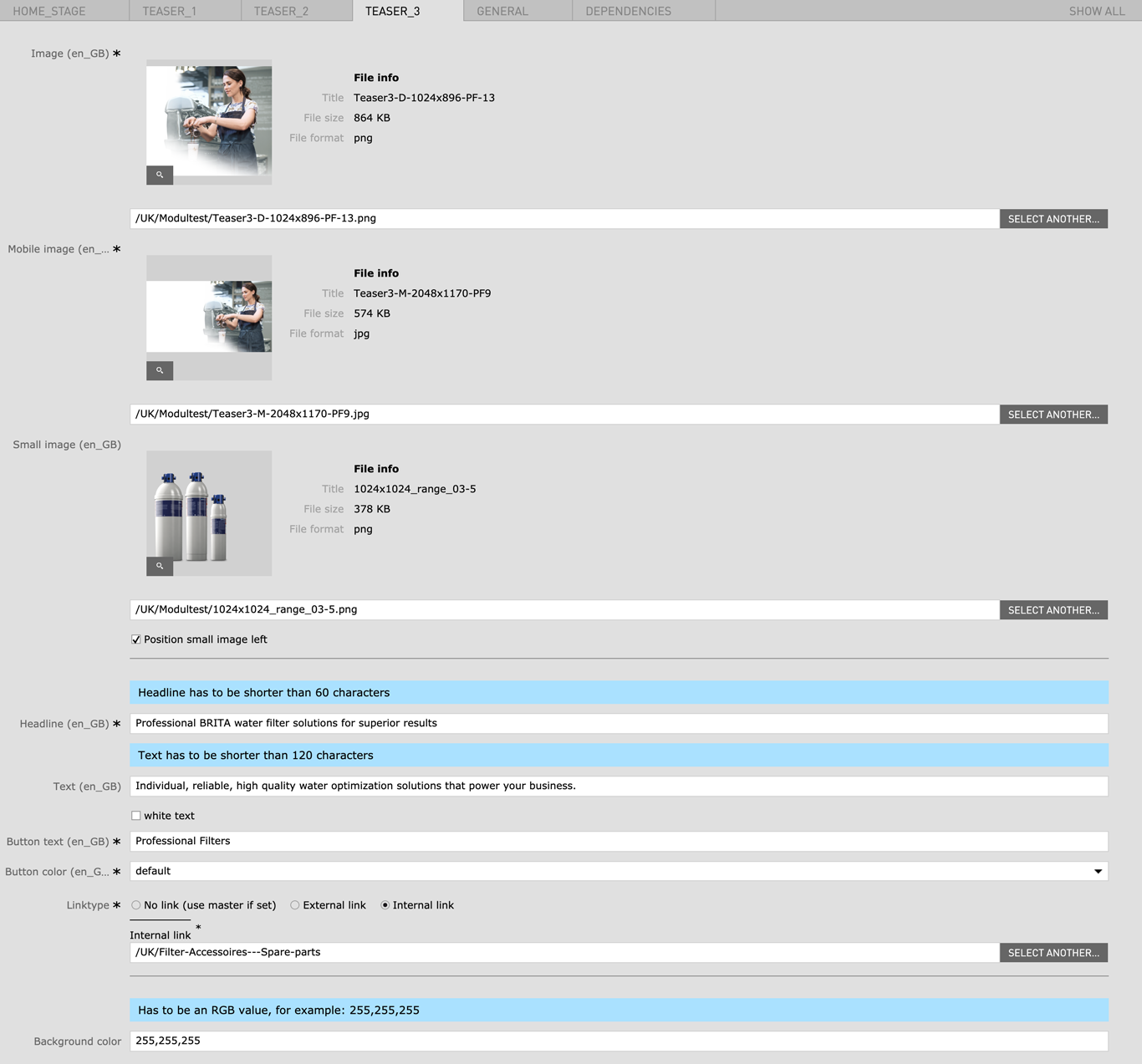
| Teaser 3 | |||
| Image | 1024px x 896px | - | yes |
| Mobile image | 2048px x 1170px | - | yes |
| Small image | 1024px x 896px | - | no |
| Position small image left | - | - | no |
| Headline | Max. 60 characters | - | yes |
| Text | Max. 120 characters | - | no |
| White Text | Changes Text color to white | - | no |
| Button text | - | - | yes |
| Button color |
|
- | yes |
| Linktype |
|
- | yes |
| Background color |
|
Has to be an RGB value, for example: 255,255,255 | no |
Open Live Example Open Live Example (Via VPN)
| Field | Specification | Info | Required |
|---|---|---|---|
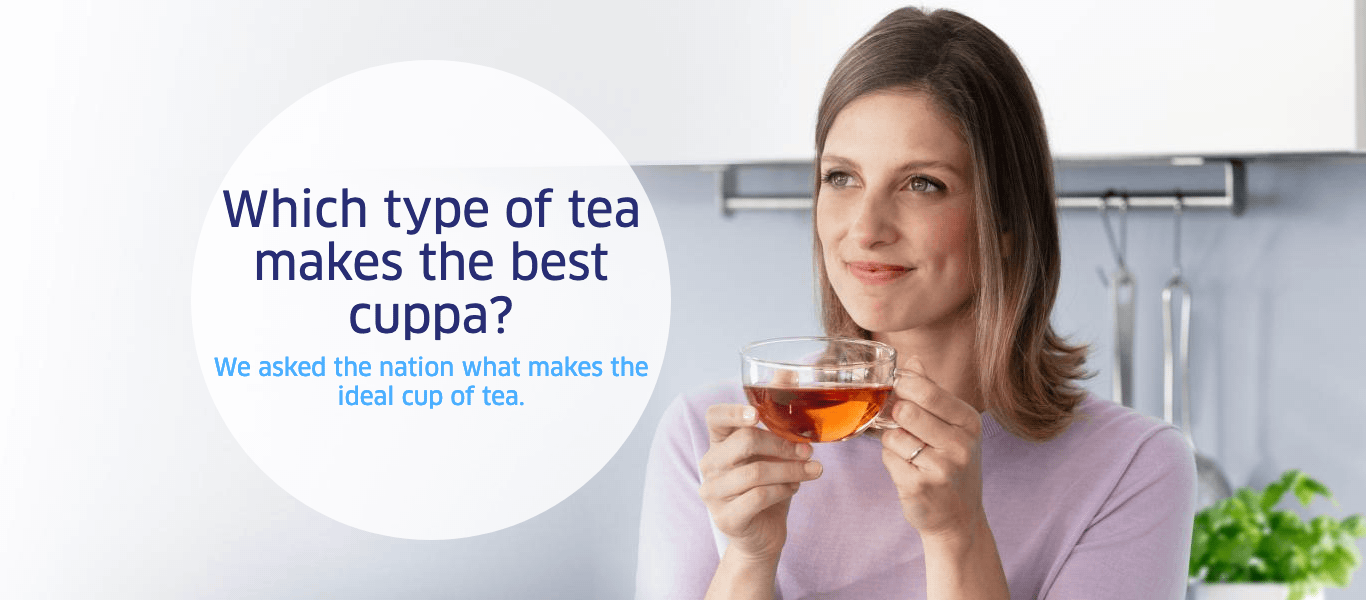
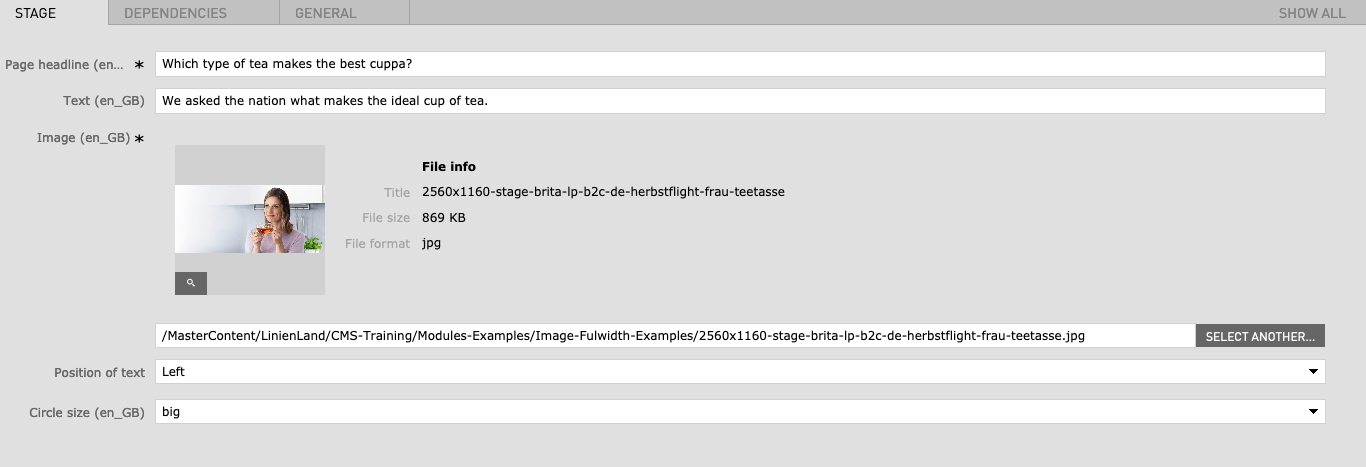
| Headline | Max. 40 characters | For SEO Purposes it is recommended to use a long tail keyword within the heading. | yes |
|
|
max. 120 characters | - | no |
| Button text | max. 30 characters | - | yes |
| Background image | 2560px x 1160px / Fileformat JPG | - | yes |
| Position of text | right/center/left | - | yes |
| Circle size | small/medium/large | - | yes |
Open Live Example Open Live Example (Via VPN)
| Field | Specification | Info | Required |
|---|---|---|---|
| Contact Stage | |||
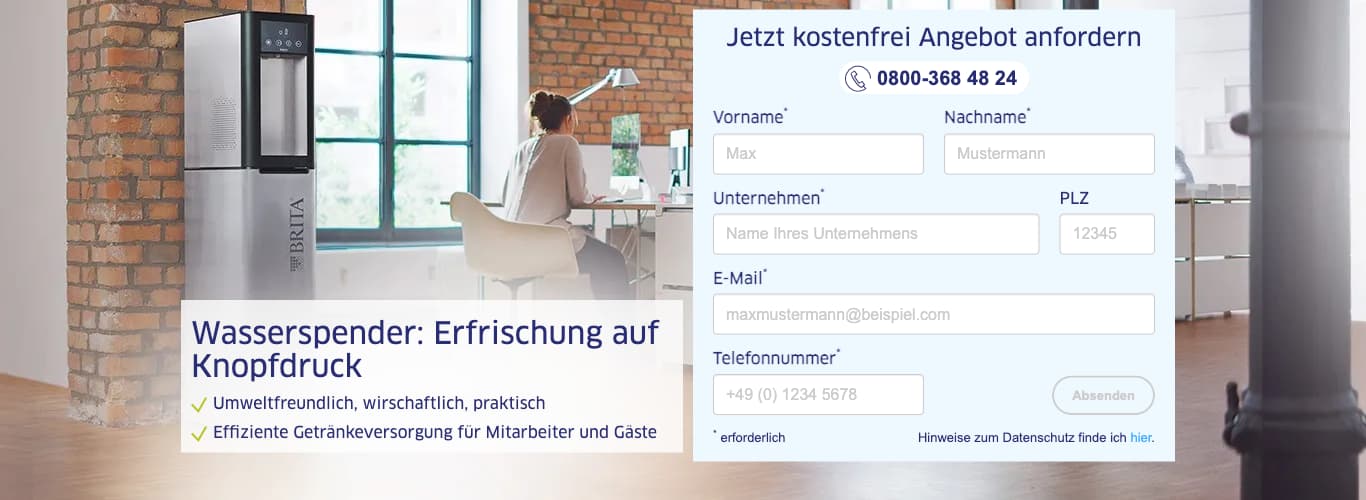
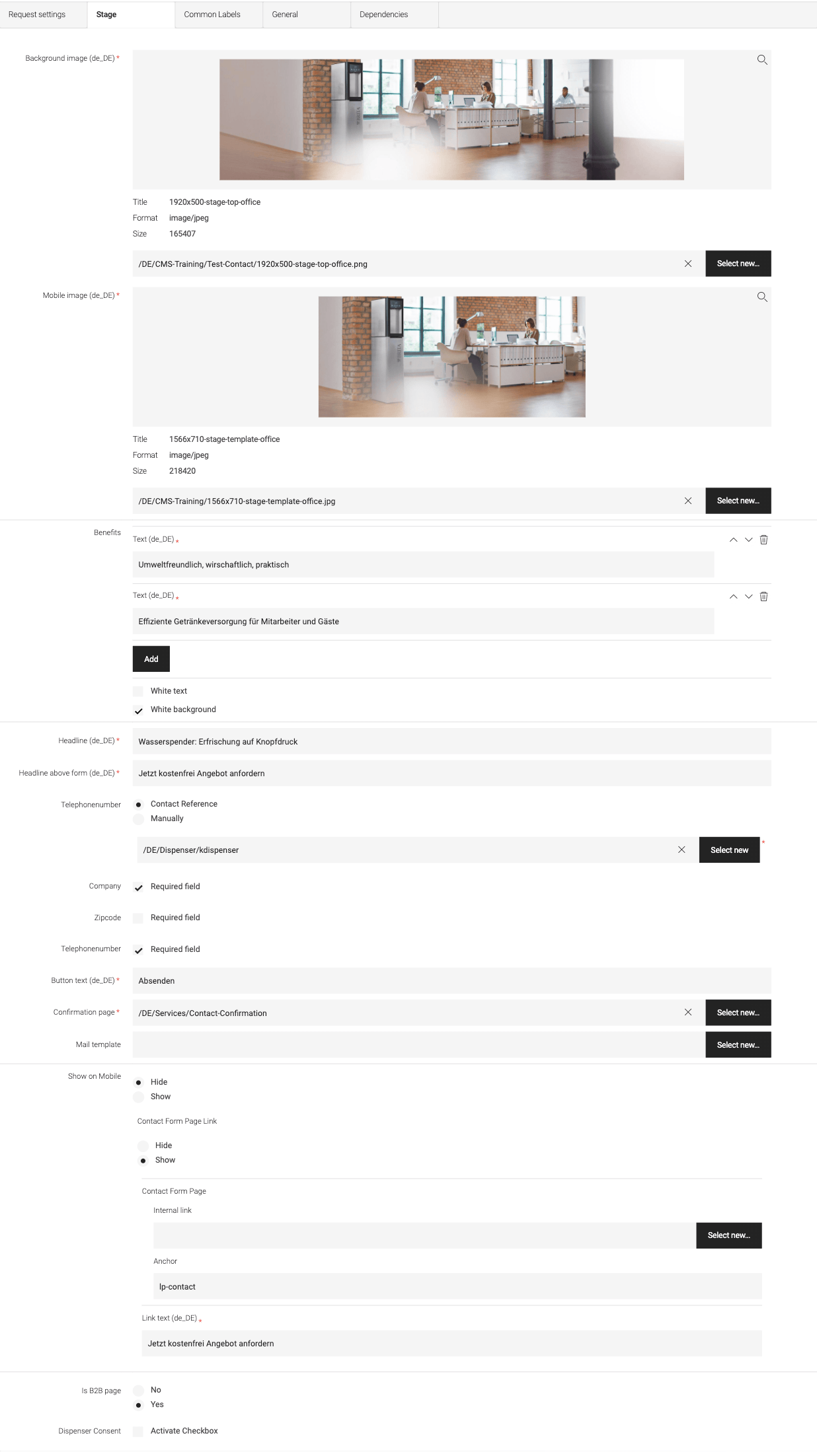
| Background image | 1920px x 500px / Fileformat JPG | - | yes |
| mobile Image | 1566px x 710px / Fileformat JPG | - | yes |
| Benefits | Max. 3 Benefit bullet points | - | no |
| White Text (Checkbox) | - | - | no |
| White bg (Checkbox) | - | if checked a white background box will be displayed behind the headline and the benefit texts. This is especially helpful if you have a restless background image. | no |
| Headline | Max. 130 characters | For SEO Purposes it is recommended to use a long tail keyword within the heading. | yes |
| Form Headline | Max. 130 characters | For SEO Purposes it is recommended to use a long tail keyword within the heading. | yes |
| Telephonenr. |
|
- | yes |
| Company | Required field | no | |
| Zipcode | Required field | no | |
| Telephonenr. | Required field | no | |
| Button text | max. 30 characters | - | yes |
| Confirmation page | - | A confirmation page has to be created or an existing confirmation page can be linked here | yes |
| Mail template | - | A confirmation mail template can be chosen here | no |
| Show on mobile |
|
- | yes |
| Contact Form Page Link |
|
If Show is selected the Field Internal Link has to be set to the Contact Form Page | no |
|
|
- | - | no |
|
|
- | More on creating content anchors | no |
| Link text | - | - | yes |
| Is B2B Page |
|
- | no |
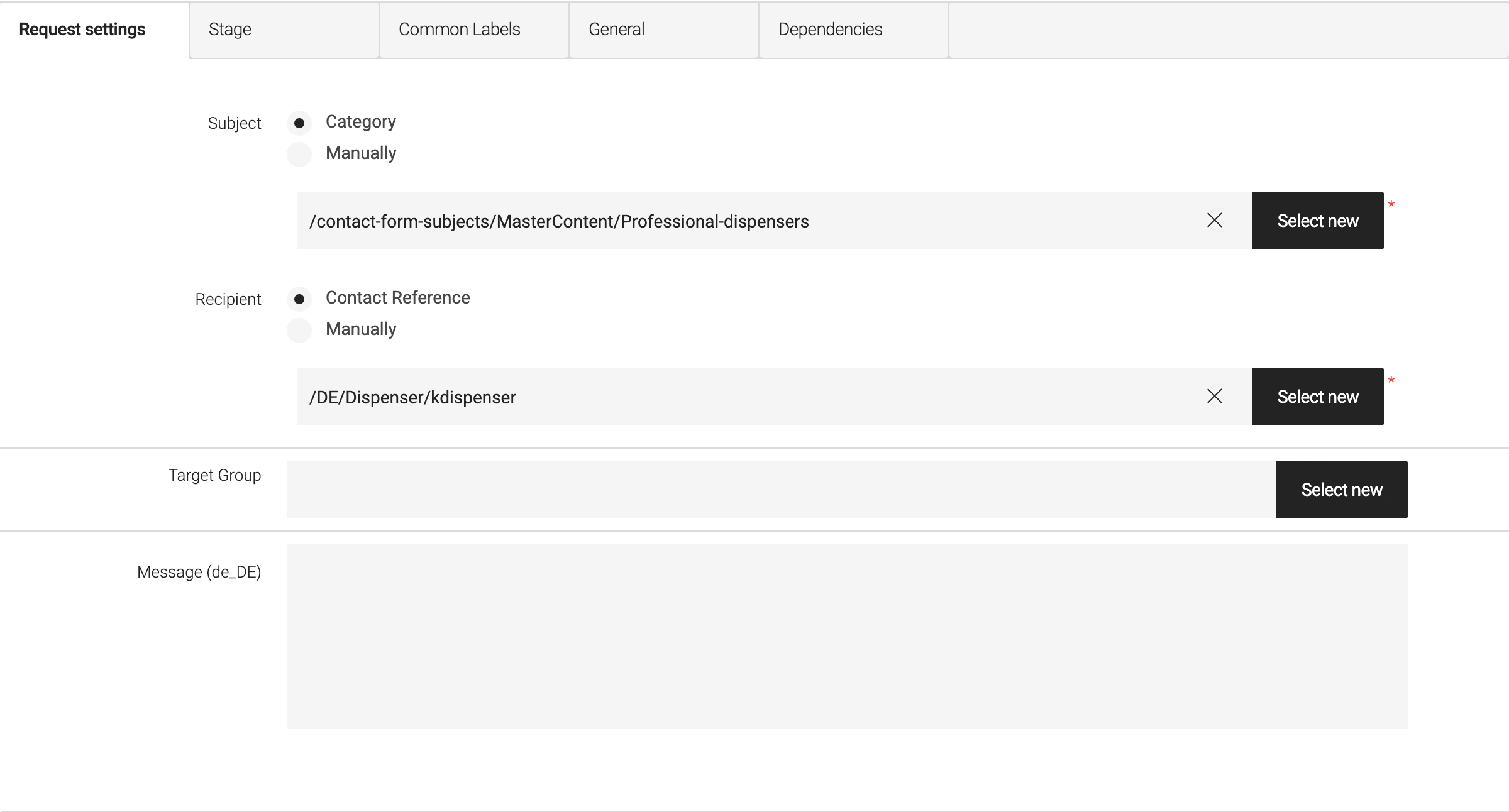
| Request Settings | |||
| Subject |
|
- | no |
| Recipient |
|
- | no |
| Dispenser Consent | Activate Checkbox | no | |
Open Live Example Open Live Example (Via VPN)
| Field | Specification | Info | Required |
|---|---|---|---|
| Show logo | checkbox | - | no |
| Remove spacer | checkbox | Will remove the white space below the stage module | no |
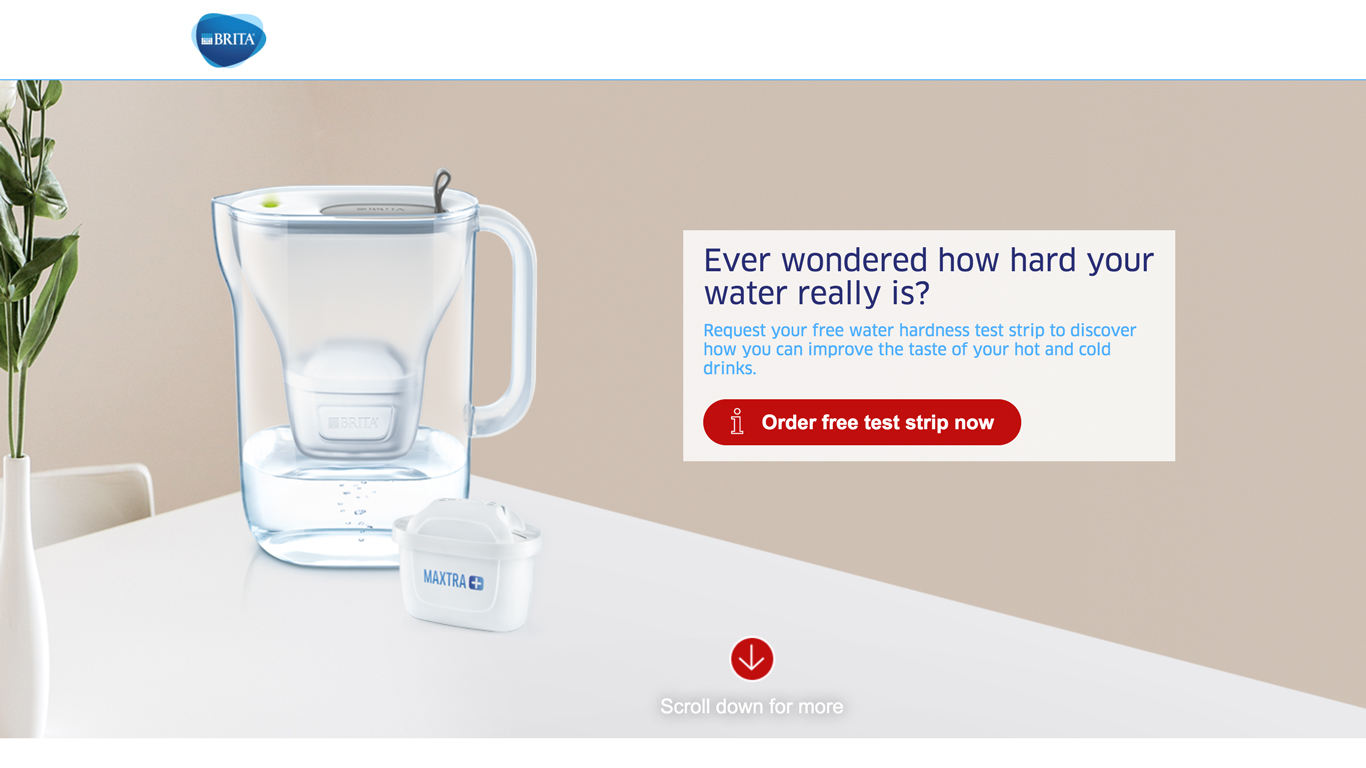
| Background image | 1920px x 1080px / Fileformat JPG | - | yes |
| mobile Image | 1200px x 1600px / Fileformat JPG | - | yes |
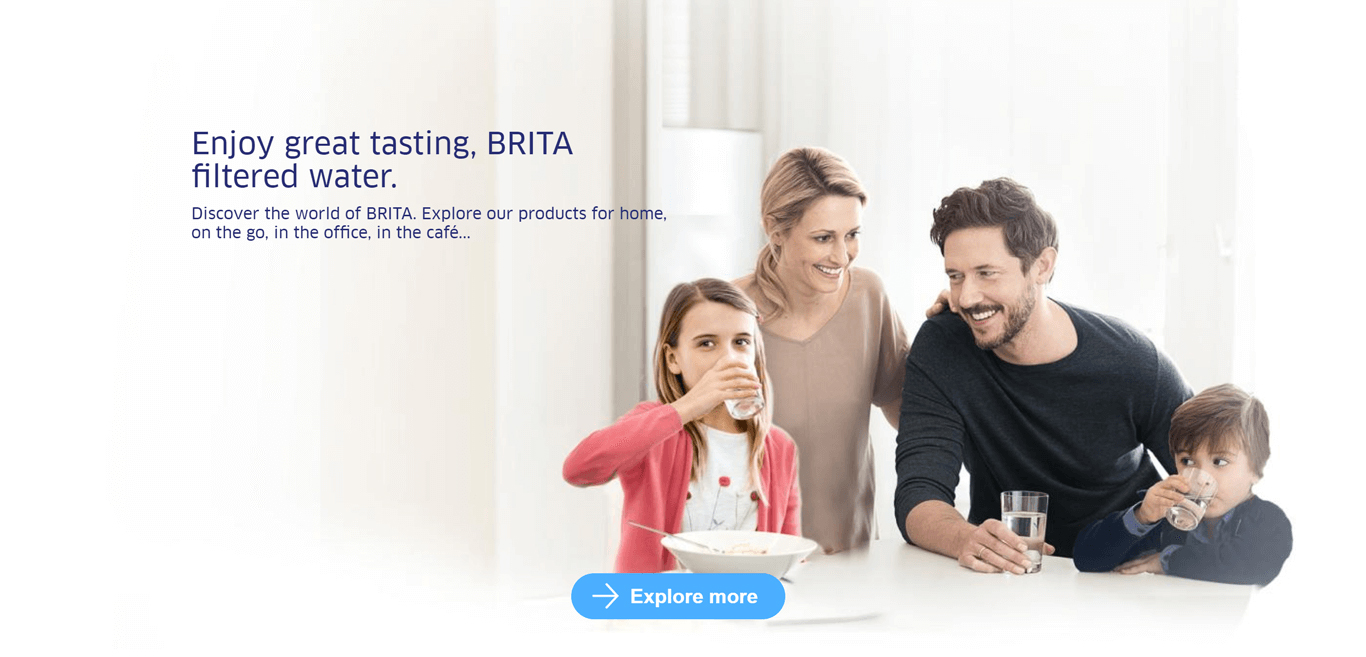
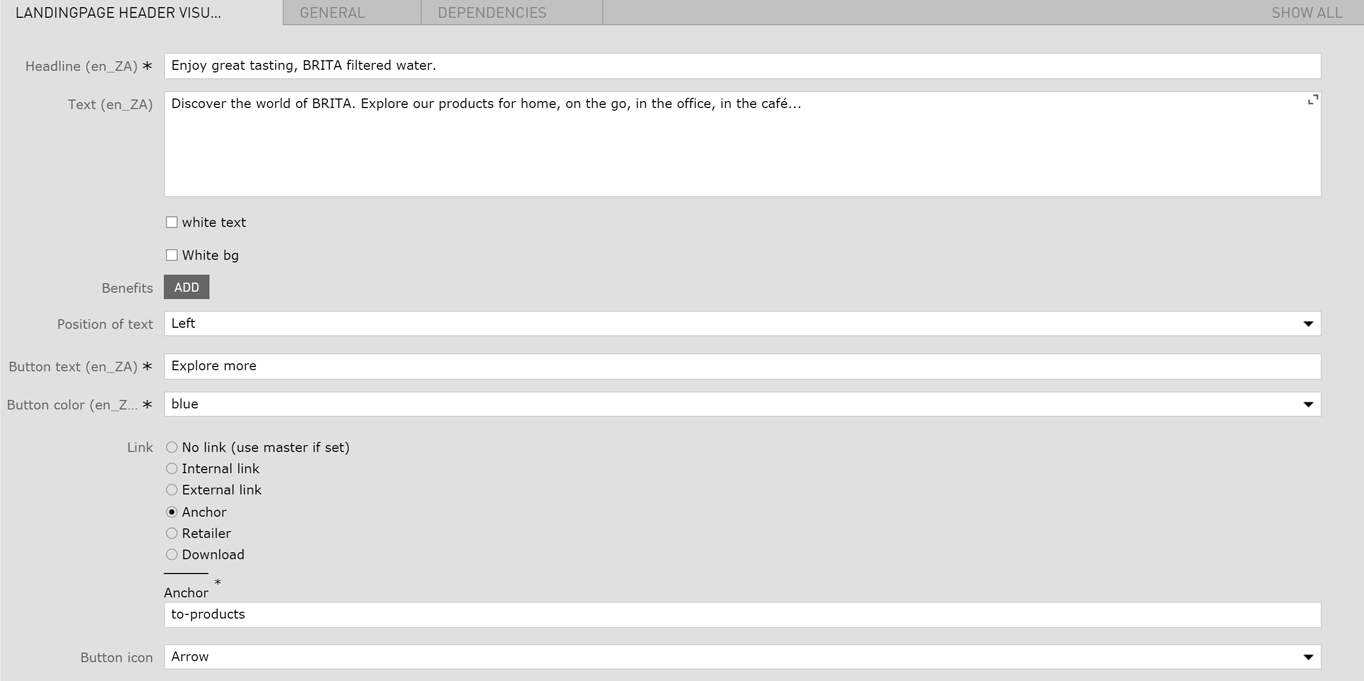
| Headline | Max. 130 characters | For SEO Purposes it is recommended to use a long tail keyword within the heading. | yes |
| Text | max. 120 characters | - | no |
| White Text (Checkbox) | - | - | no |
| White bg (Checkbox) | - | if checked a white background box will be displayed behind the headline and subline. This is especially helpful if you have a restless background image. | no |
| Position of text |
|
- | yes |
| Button text | max. 30 characters | - | yes |
| Button color |
|
- | yes |
| Linktype |
|
- | yes |
| Button Icon |
|
- | no |
| Arrow color |
|
- | yes |
| no mobile arrow | - | - | no |
| Hinttext | - | - | no |
See the overview of the different Modules below.
| Field | Specification | Info | Required |
|---|---|---|---|
| Show logo | checkbox | - | no |
| Remove spacer | checkbox | Will remove the white space below the stage module | no |
| No mobile image | checkbox | - | no |
| Background image |
|
- | yes |
| Mobile image |
|
- | no |
| Background video |
|
The video file should be as small as possible to avoid long load times. | no |
| Small stage height | checkbox | If selected, the uploaded image should be 1920px x 680px |
no |
The following 4 Foreground Modules can be selected within the Stage Type Background Area.
To help you pick the stage that suits your needs you can find below an overview of features that are specific to the certain stages.
| Stage Name | bullet list | background video | image (cutout) | bubble | cta | multiple stages (slider) |
|---|---|---|---|---|---|---|
| Header Visual | optional | optional | no | no | optional | no |
| Landing Page Stage Background Image | no | no | mandatory | no | mandatory | no |
| Stage Bubble | no | no | mandatory | mandatory | mandatory | no |
| Landing Page Stage Grid Slider | no | no | only for Bg Circle | only for Bg Bubble | optional | mandatory |
| Stage | no | no | no | no | no | no |
Open Live Example Open Live Example (Via VPN)
| Field | Specification | Info | Required |
|---|---|---|---|
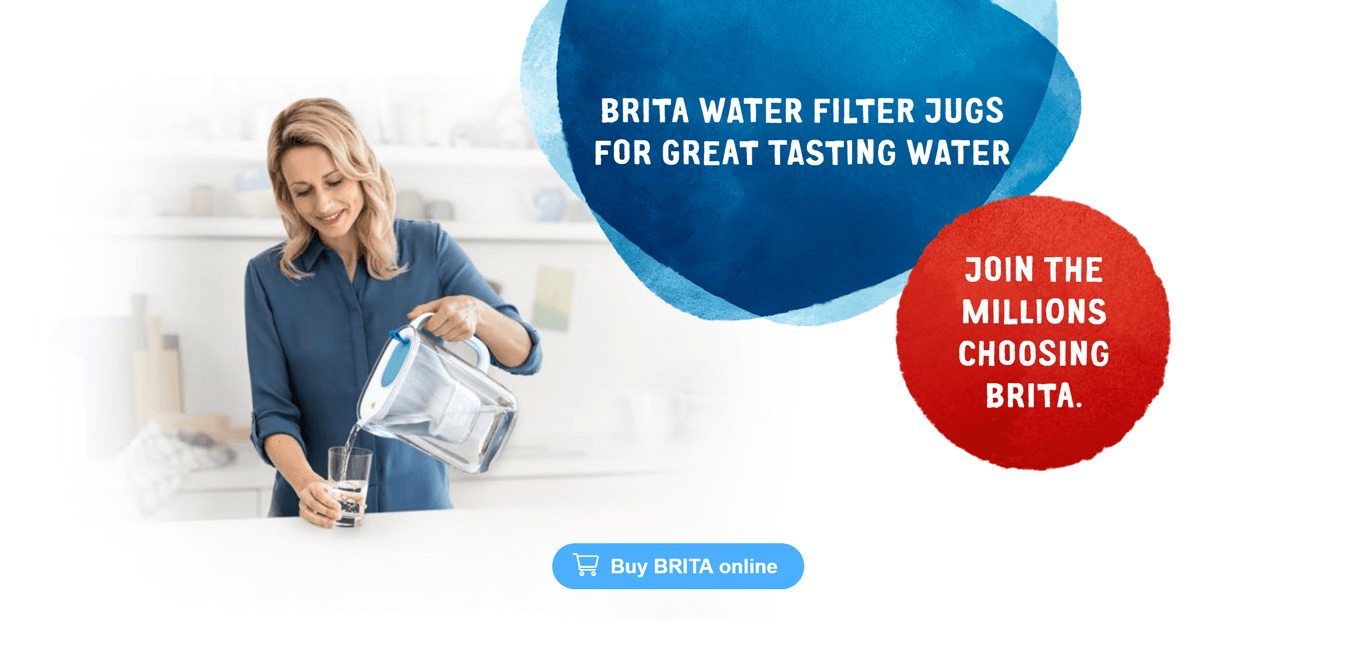
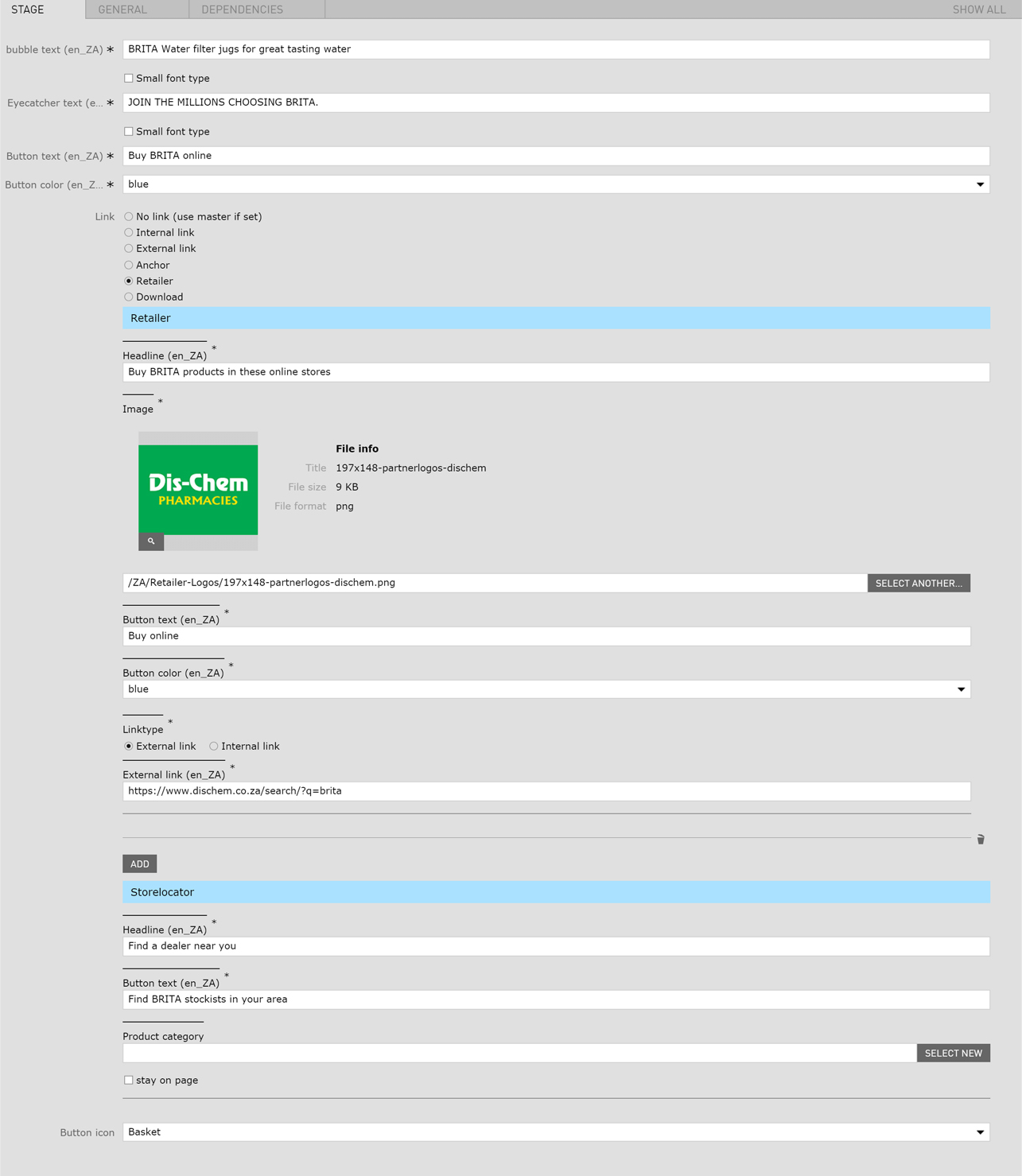
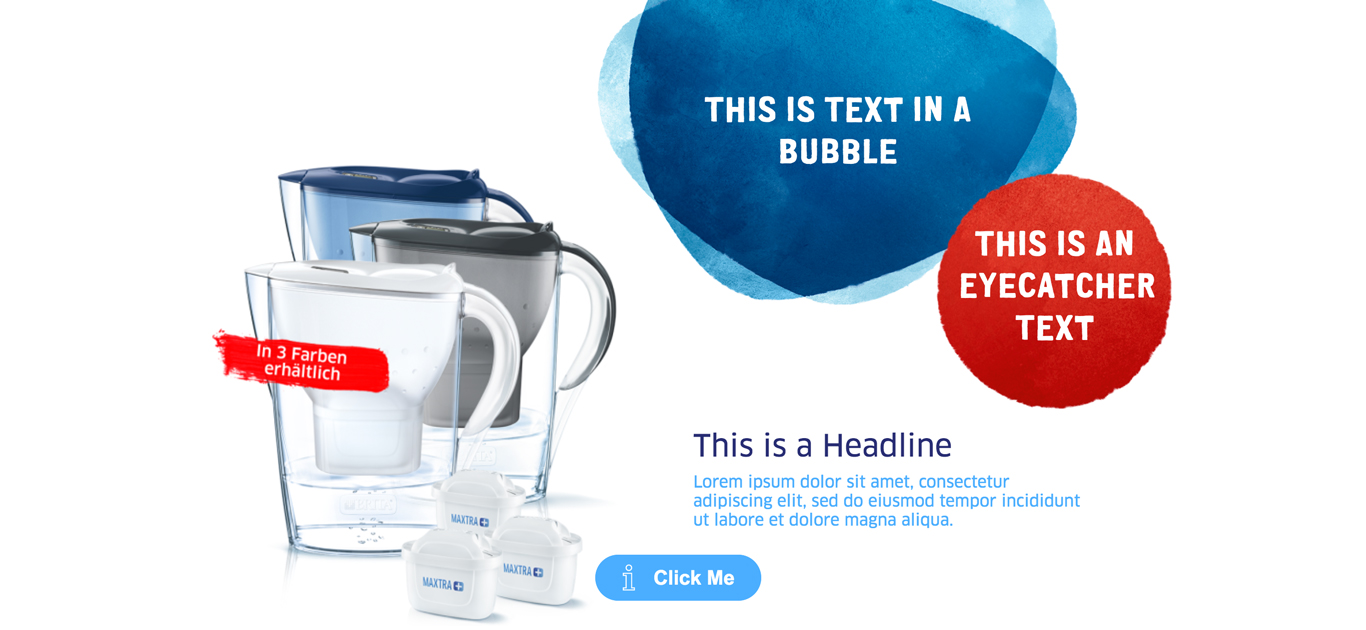
| Bubble text | max. 35 characters | - | yes |
| Eyecatcher Text | max. 30 characters | - | yes |
| Button text | max. 30 characters | - | yes |
| Linktype |
|
- | yes |
| Button color | - |
|
yes |
| Button Icon | - |
|
no |
| stay on page | - | This checkbox should be always selected. This prevents from leaving the landingpage when clicking on the storelocator. | yes |
Open Live Example Open Live Example (Via VPN)
| Field | Specification | Info | Required |
|---|---|---|---|
| Show logo | checkbox | - | no |
| Remove spacer | checkbox | Will remove the white space below the stage module | no |
| Headline | max. 40 characters | - | yes |
| Text | max. 120 characters | - | yes |
| White Text (Checkbox) | - | - | no |
| White bg (Checkbox) | - | if checked a white background box will be displayed behind the headline and subline. This is especially helpful if you have a restless background image. | no |
| Benefits (Checklist) | max. 30 characters per list item | - | no |
| Position of text | left / right | - | no |
| Button Position | inner / outer | Button will be placed inside or outside of the textbox | no |
| Button text | max. 30 characters | - | yes |
| Linktype |
|
- | yes |
| Button color | - |
|
yes |
| Button Icon | - |
|
no |
| stay on page | - | This checkbox should be always selected. This prevents from leaving the landingpage when clicking on the storelocator. | yes |
Open Live Example Open Live Example (Via VPN)
| Field | Specification | Info | Required |
|---|---|---|---|
| Show logo | checkbox | - | no |
| Remove spacer | checkbox | Will remove the white space below the stage module | no |
| Headline | max. 40 characters | - | yes |
| Text | max. 120 characters | - | yes |
| White Text (Checkbox) | - | - | no |
| Image | 600px x 450px / Fileformat Transparent PNG | - | yes |
| Button text | max. 30 characters | - | yes |
| Linktype |
|
- | yes |
| Button color | - |
|
yes |
| Button Icon | - |
|
no |
| stay on page | - | This checkbox should be always selected. This prevents from leaving the landingpage when clicking on the storelocator. | yes |
Open Live Example Open Live Example (Via VPN)
| Field | Specification | Info | Required |
|---|---|---|---|
| Show logo | checkbox | - | no |
| Remove spacer | checkbox | Will remove the white space below the stage module | no |
| Image | 800px x 800px / Fileformat Transparent PNG | - | yes |
| Headline | max. 40 characters | - | yes |
| Text | max. 120 characters | - | yes |
| Position of Text |
|
- | no |
| Button text | max. 30 characters | - | yes |
| Linktype |
|
- | yes |
| Button color | - |
|
yes |
| Button Icon | - |
|
no |
| stay on page | - | This checkbox should be always selected. This prevents from leaving the landingpage when clicking on the storelocator. | yes |
Open Live Example Open Live Example (Via VPN)
| Field | Specification | Info | Required | Stage Type Product Area |
|---|---|---|---|
| Show logo | checkbox | - | no |
| Remove spacer | checkbox | Will remove the white space below the stage module | no | Stage |
| Headline | Max. 40 characters | For SEO Purposes it is recommended to use a long tail keyword within the heading. | yes |
| Text | max. 130 characters | - | yes |
| Image | 800px x 800px / Fileformat Transparent PNG | - | yes |
| Button text | max. 30 characters | - | yes |
| Linktype | - |
|
yes |
| Button color | - |
|
yes |
| Discovery Bubble | max. 35 characters | - | yes |
| Alternative Bubble | Fileformat Transparent PNG | You can upload a alternative Bubble in form of a transparent png | no |
| Disrupter | max. 30 characters | - | yes |
| Button Icon | - |
|
no |
Open Live Example Open Live Example (Via VPN)
| Field | Specification | Info | Required |
|---|---|---|---|
| Headline | Max. 60 characters | For SEO Purposes it is recommended to use a long tail keyword within the heading. | yes |
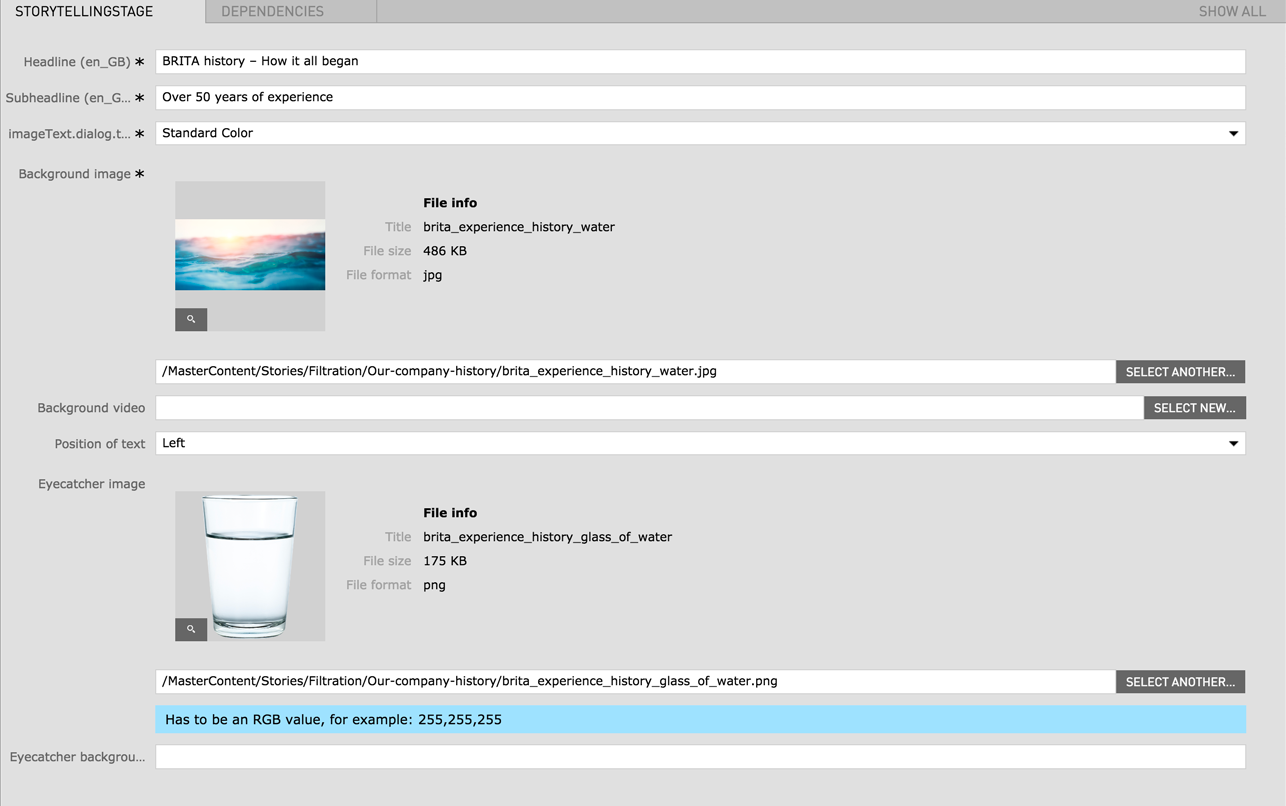
| BG Color | - | Standard Color (Blue) / White | yes |
| Background Image | 2560px x 1160px | - | yes |
| Background video |
|
The video file should be as small as possible to avoid long load times. | no |
| Position of text | left / right | - | yes |
| Eyecatcher image | - | - | no |
| Eyecatcher background | - | Has to be an RGB value, for example: 255,255,255 | no |